Value Your Time
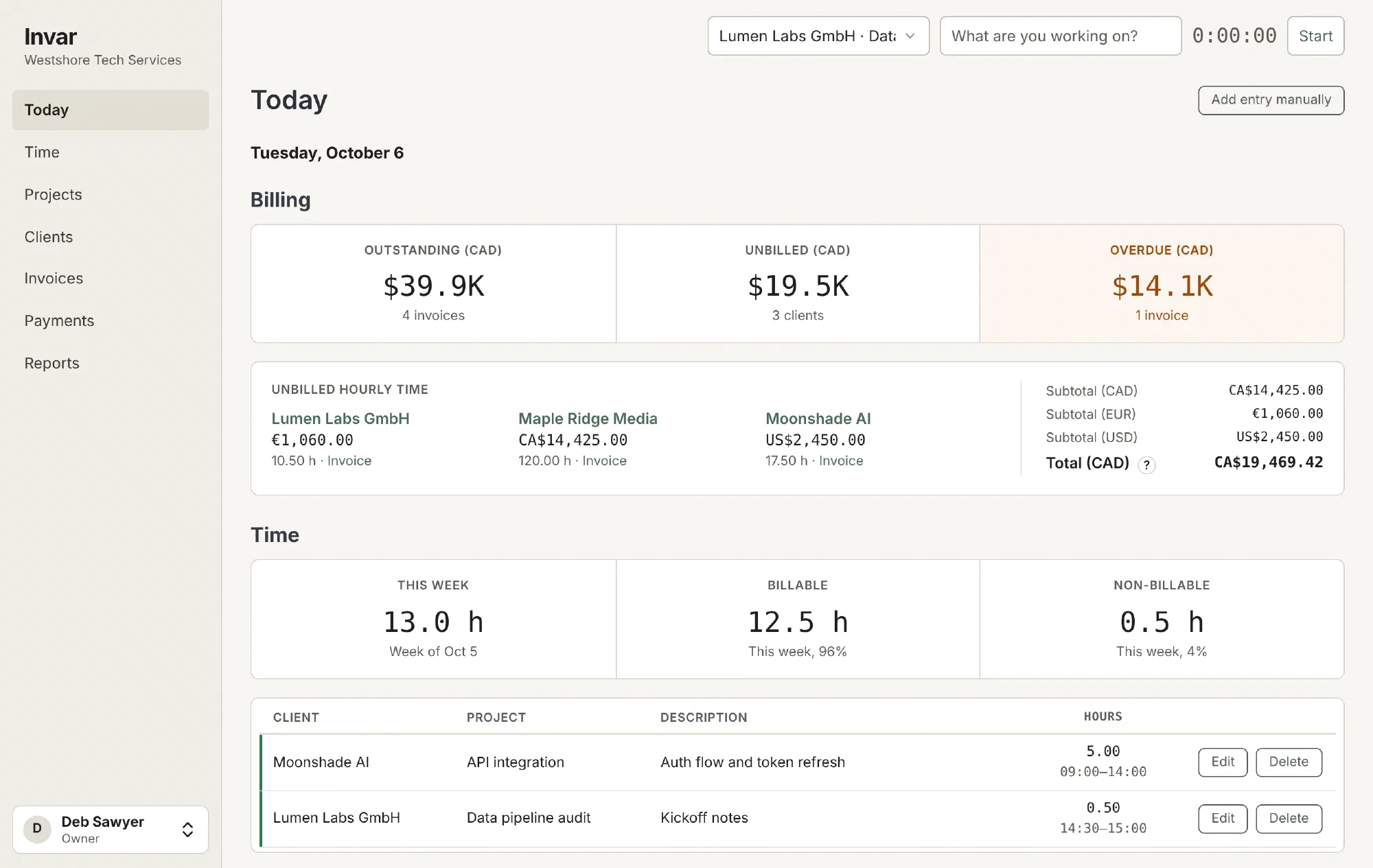
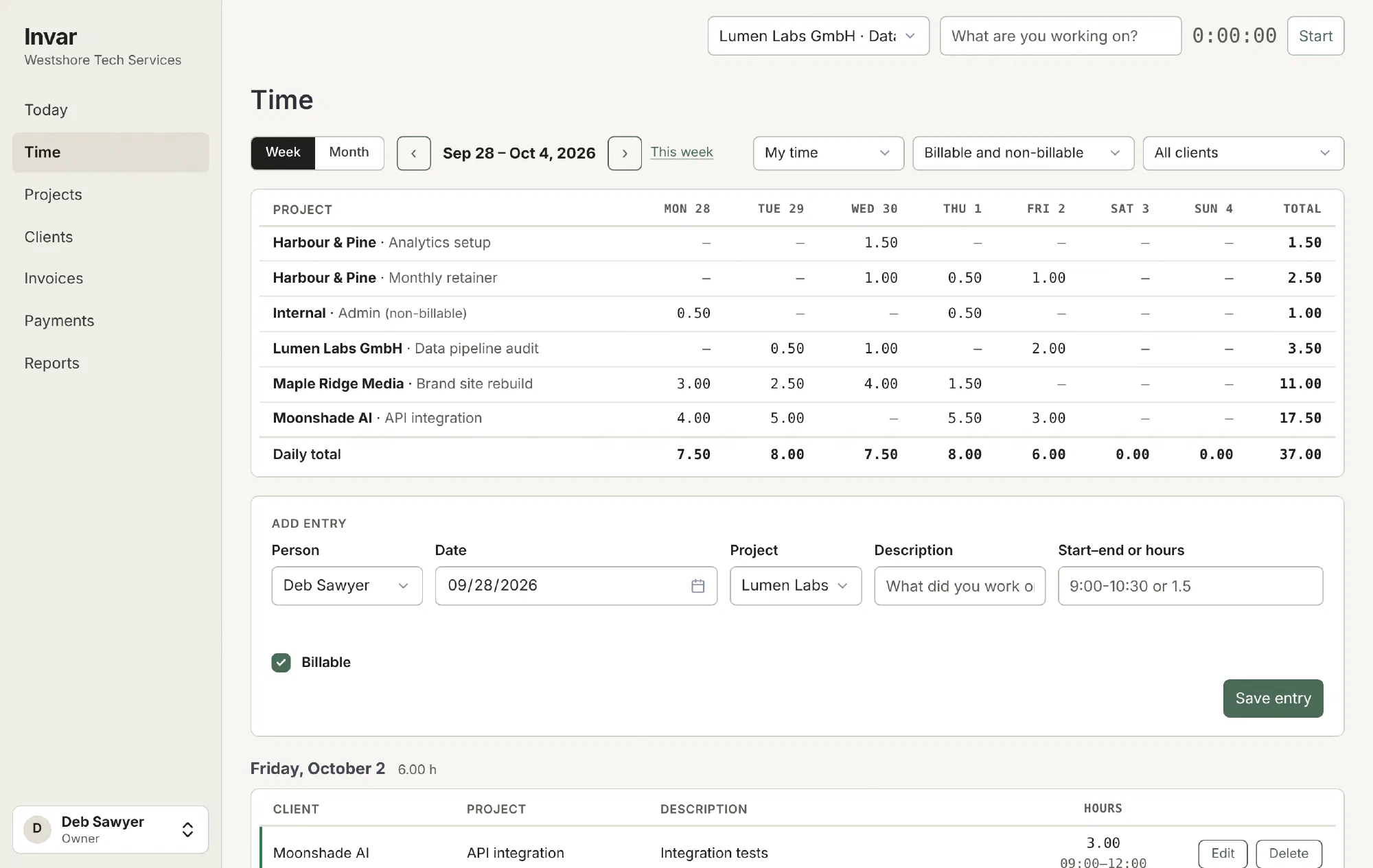
Start a timer from any page, or add time by hand. Week and month views show where every minute went.
Track time for unlimited clients and projects. Send branded invoices. Track payments. And keep your data with your business on your machine.
30-day free trial · macOS 12 or later · prices in CAD
Whether your clients are down the street or around the world.
Start a timer from any page, or add time by hand. Week and month views show where every minute went.
Calculate based on the client's province, or zero-rate for clients abroad. All shown correctly on a PDF invoice ready to send.
Every invoice uses the FX rate on the day of issue, so that your books and tax return agree.
See what's yet to be billed, how much is outstanding or overdue, and record payments as they happen.
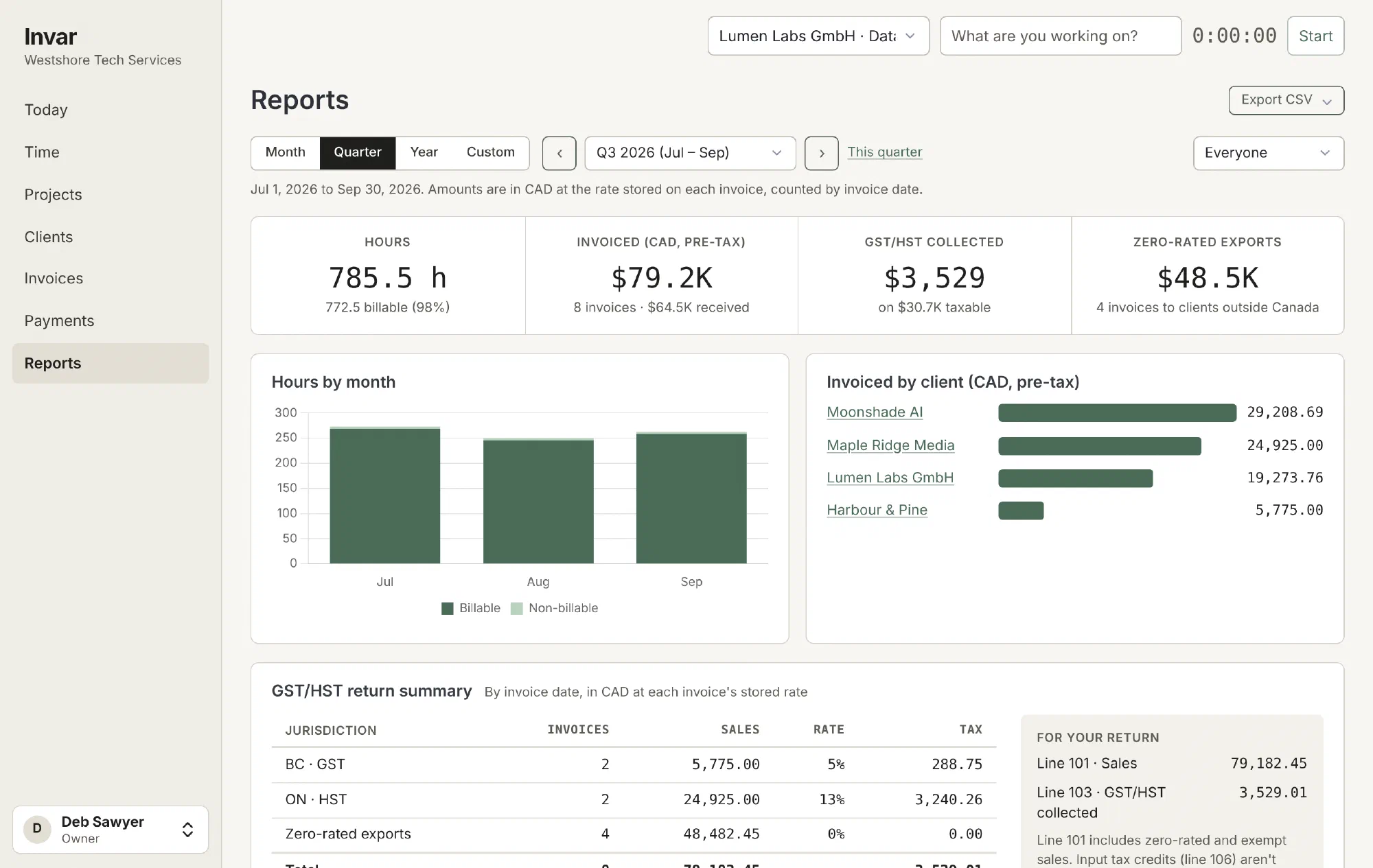
Hours and income by client and project, fixed-fee progress, and the totals for your return, all exportable to spreadsheets.
Import clients, projects, time, invoices and payments from FreshBooks. Everything is reviewable before anything is saved.
Switching from FreshBooks →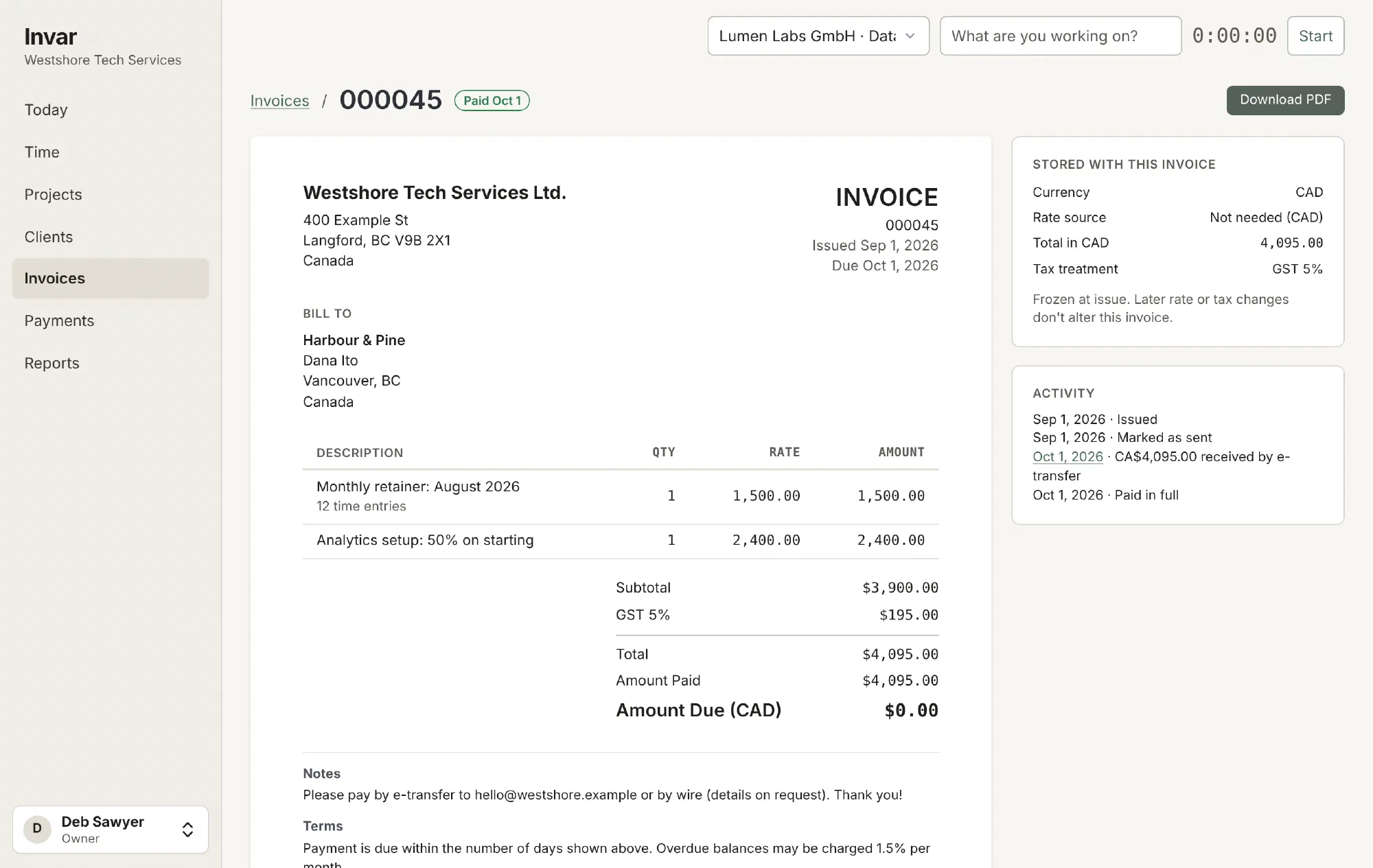
Invar is an app, not a website. Your clients, hours and invoices live in one file you own. Turn on automatic daily backups to iCloud Drive, Dropbox, OneDrive or Google Drive, or any folder you pick.
Invar started as the tool Waterbay needed to run its own consulting work: clients in Canada and abroad, multiple currencies, and regular sales tax returns to file. It's still the tool we run the business on every day.
Sales tax is calculated at checkout. Sold to businesses in Canada.
In one database file on your machine's file system. Invar doesn't send your clients, time or invoices anywhere.
After 30 days Invar becomes read-only until you add a license key. You can still open, view and export everything; you just can't add or change records.
You keep using the version you have, forever. Renewing gets you the next year of updates.
Not yet. Invar runs on macOS 12 or later today, on Apple silicon and Intel Macs.
Yes. Invar zero-rates GST/HST for clients abroad and can invoice in USD or EUR. Invar itself is sold only to businesses in Canada for now.
No. Invar makes the PDF; you send it from your own email, then mark the invoice as sent.
Yes. Export your clients, time, invoices and payments from FreshBooks as CSV, and Invar shows you everything it will create before it saves anything. Switching from FreshBooks →
In Settings, open Backups and choose your iCloud Drive, Dropbox, OneDrive or Google Drive folder, or any other folder. Invar backs up straight away, then daily and when you quit if anything changed, keeps a year of backups, and warns you if backups stop working. Each backup is one file; to restore, quit Invar and copy it back into Invar's data folder.
Migration Assistant brings Invar's data folder across with your other apps, or copy your latest backup into Invar's data folder on the new Mac. Then enter your license key on the new Mac.
Use the key resend form and we'll email it to the address you bought with.
No account and no card needed. Download it, add a client, start the timer.
Download for Mac